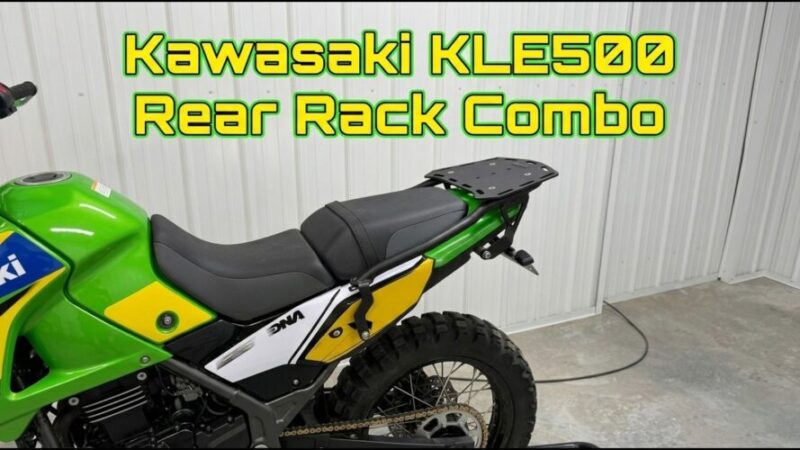
A new installation guide is out showing riders how to fit the Outback Motortek Rear Rack Combo onto the Kawasaki KLE500. The system pairs a heavy duty luggage plate with built in passenger grab handles, giving owners a solid spot to mount top bags, dry bags, or Rotopax without messing up pillion comfort.
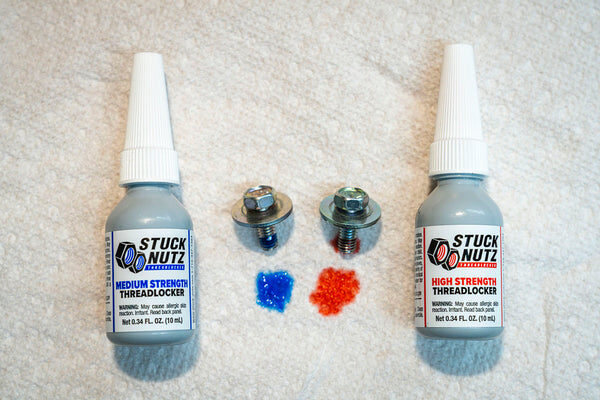
The video walks through the process step by step. Installers are told to keep all mounting bolts finger tight during the initial fit, just to make sure the subframe clearance lines up right. Once everything is positioned correctly, blue threadlocker goes on the frame attachment bolts to keep them from working loose over rough terrain. Only after the luggage plate and grab handles are properly aligned should the hardware get torqued down to spec.
It’s a straightforward build meant for riders who want extra hauling capacity on their KLE500 without sacrificing comfort for a passenger.
Full product details and the rest of the KLE500 lineup are available on the Outback Motortek website, along with more build guides and tutorials for adventure bike owners looking to upgrade their setups.
My two cents…
Outback Motortek dropped an install guide for the KLE500 rear rack combo, because apparently your pillion's comfort and your Rotopax obsession can coexist. Finger tight bolts first (patience, grasshopper), threadlocker later, torque last. It's basically IKEA furniture, but for people who actually read instructions. Full details live on their site.
Click on the link below for the full article:
https://www.youtube.com/watch?v=5JCNT31p5zI